
Filament Translations Laravel Package
tomatophp/filament-translations
Manage Laravel translations with a database and cache through a Filament UI. Scan your code for trans() and __() strings, then translate them in a clean interface. Built on spatie/laravel-translation-loader.
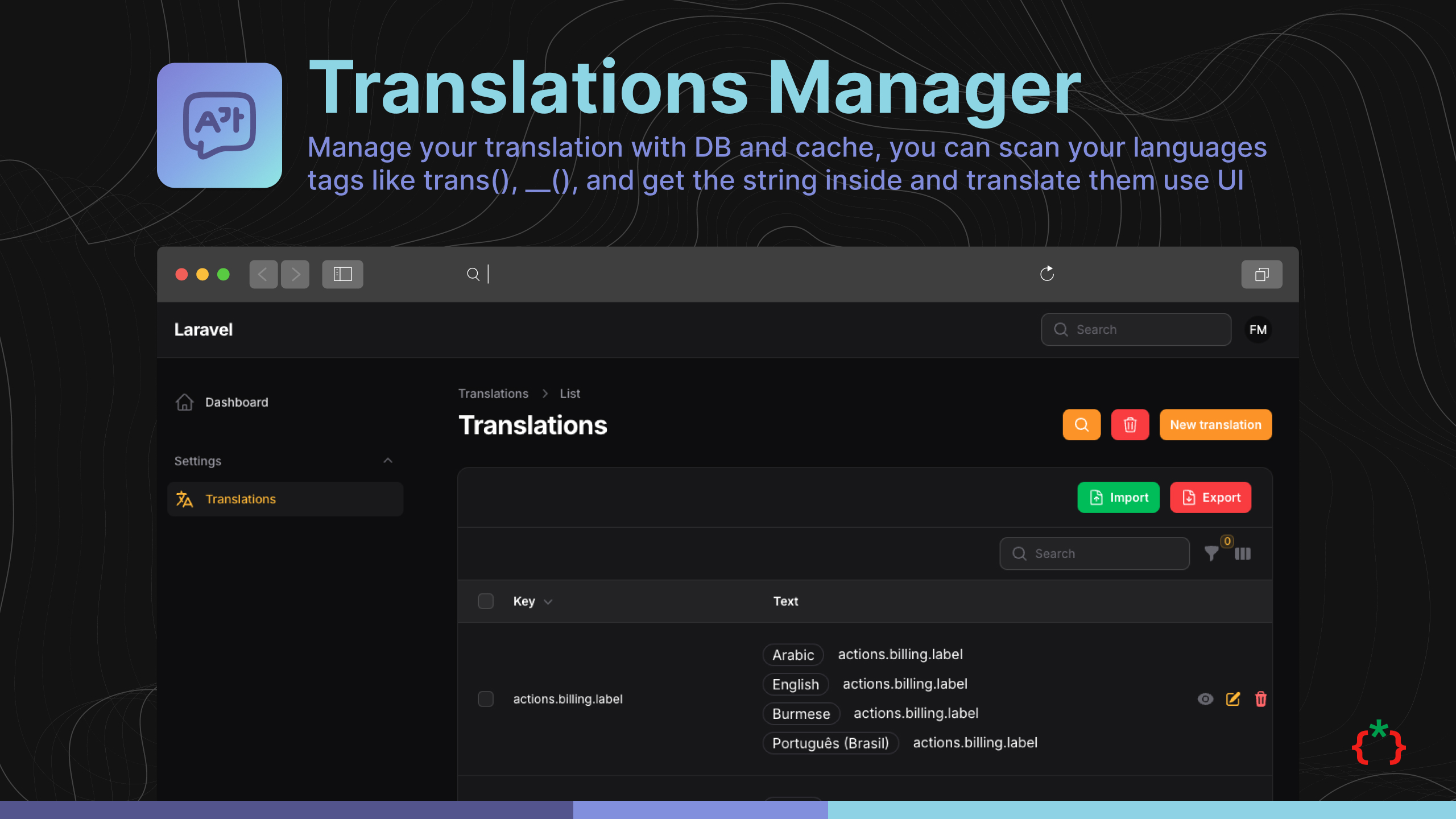
Filament Translations Manager



Manage your translation with DB and cache, you can scan your languages tags like trans(), __(), and get the string inside and translate them use UI.
this plugin is build in spatie/laravel-translation-loader
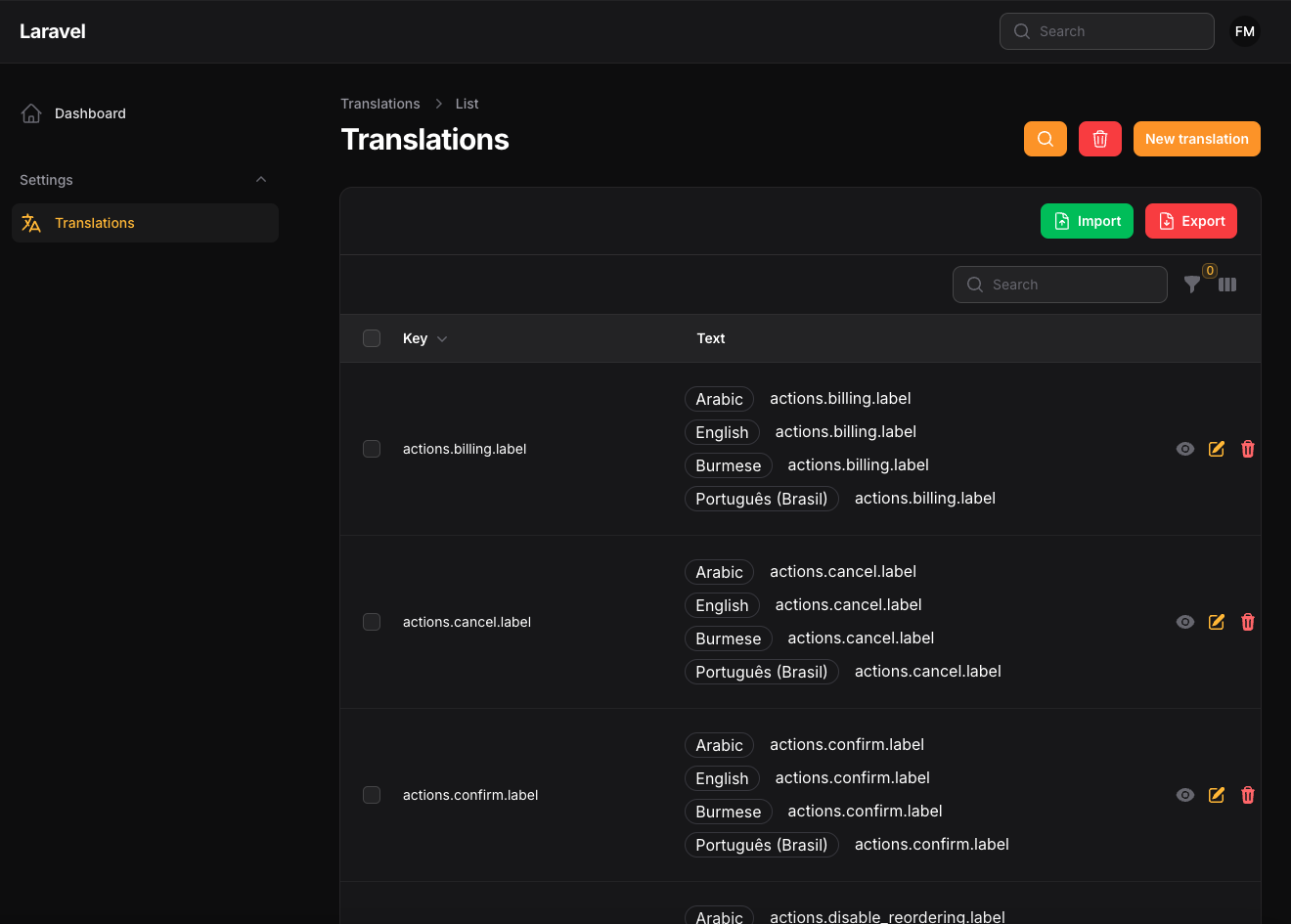
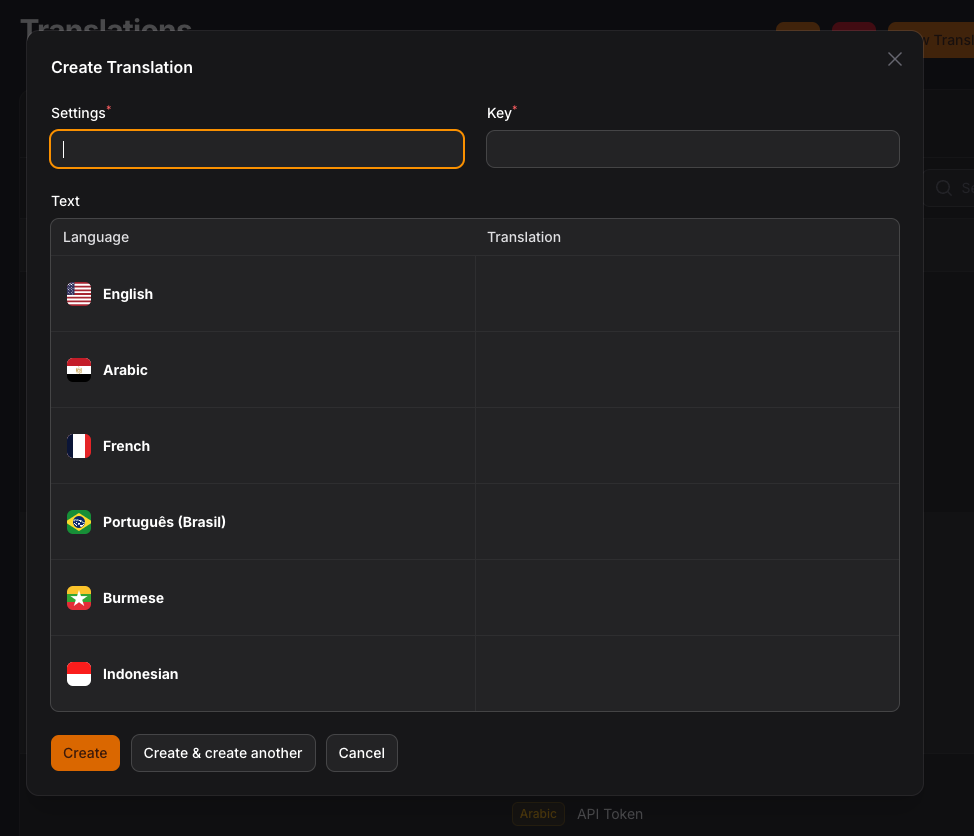
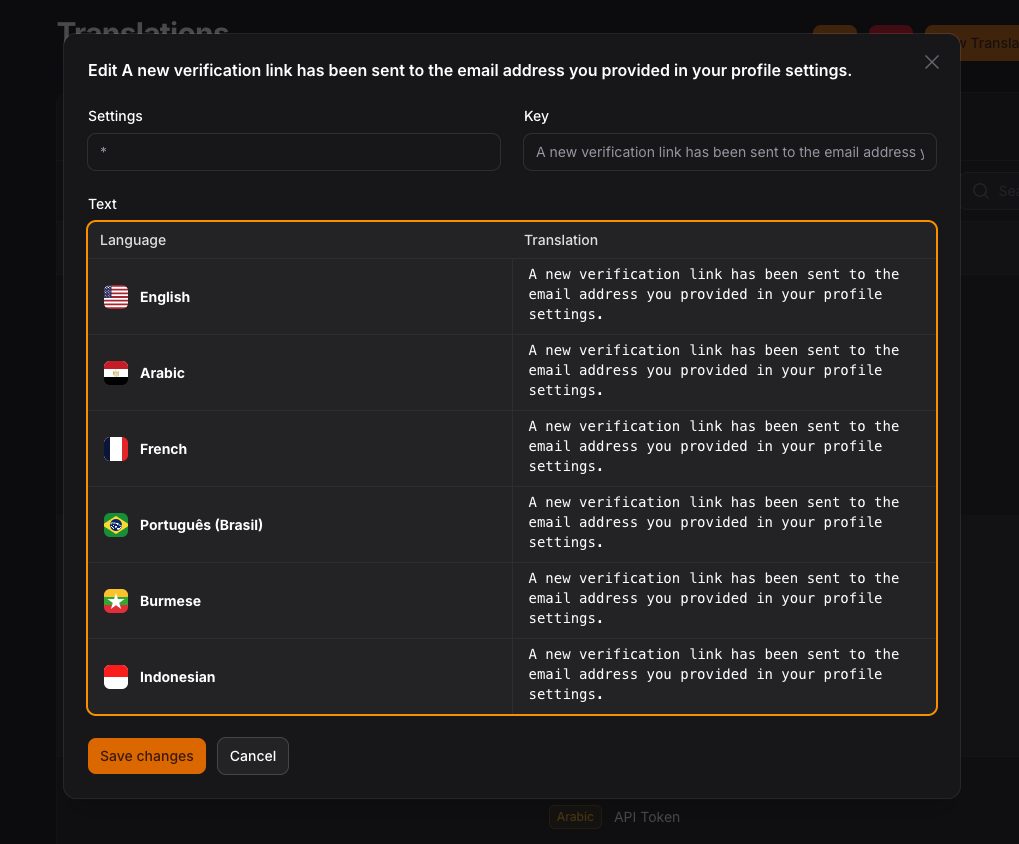
Screenshots
Installation
composer require tomatophp/filament-translations
now run install command
php artisan filament-translations:install
Finally register the plugin on /app/Providers/Filament/AdminPanelProvider.php
$panel->plugin(\TomatoPHP\FilamentTranslations\FilamentTranslationsPlugin::make())
Extensions
Allow Create Button to Create New Language
If you want to allow the user to create a new language, you need to add the following to your panel provider:
$panel->plugin(\TomatoPHP\FilamentTranslations\FilamentTranslationsPlugin::make()->allowCreate())
Allow Clear All Translations Button
If you want to allow the user to clear all translations, you need to add the following to your panel provider:
$panel->plugin(\TomatoPHP\FilamentTranslations\FilamentTranslationsPlugin::make()->allowClearTranslations())
Use Language Switcher
we move language switcher to another package you can check it Filament Language Switcher
Scan Using Command Line
You can scan your project to get all the languages tags and save them to the database
php artisan filament-translations:import
Change Scan to work on Queue
In your config file just change the use_queue_on_scan to true
'use_queue_on_scan' => true,
Custom Import Command
You can create your own command to import the translations, add your custom import class to the config file like this:
'path_to_custom_import_command' => ImportTranslations::class,
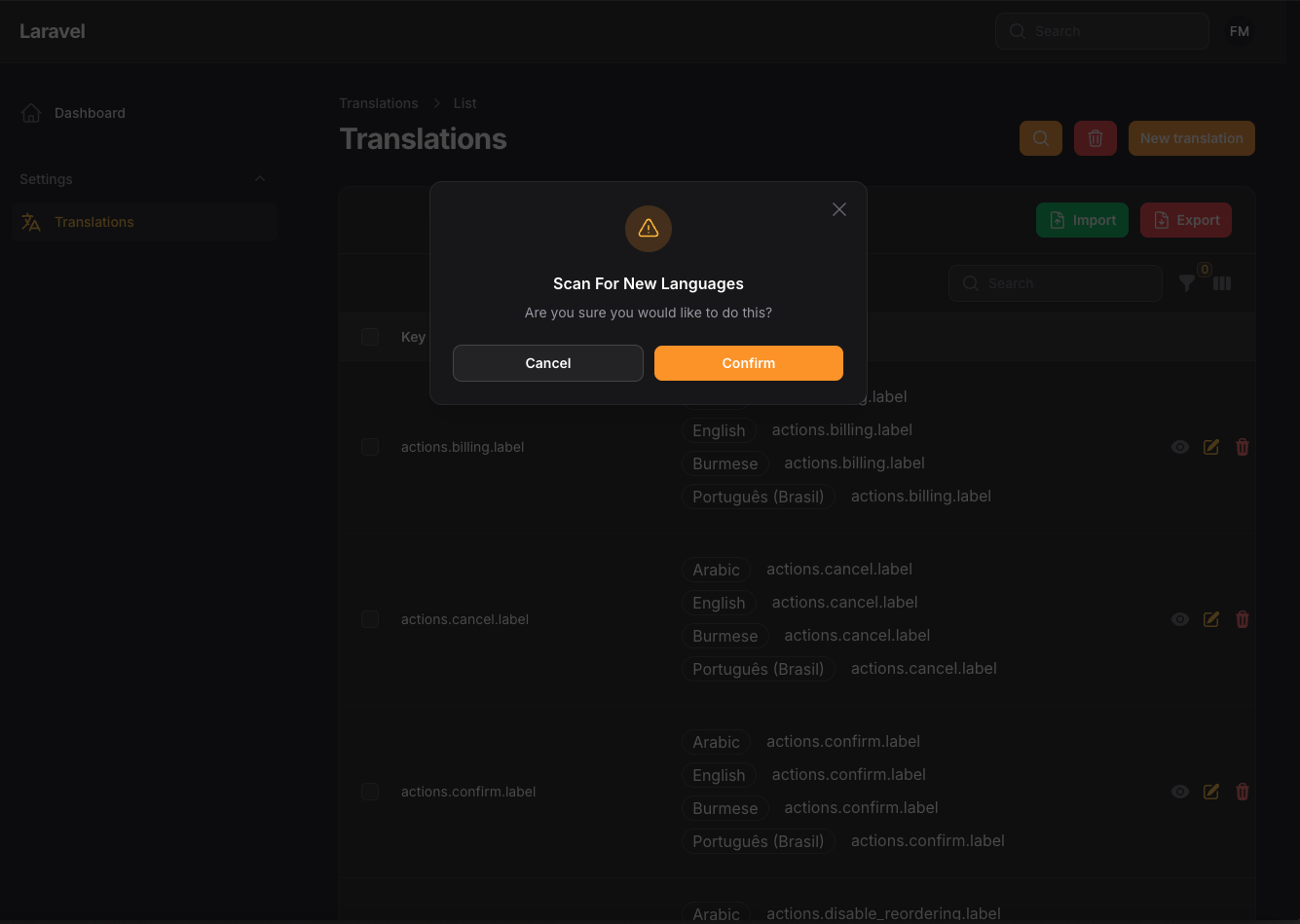
This command will automatically run when you click on the "Scan For New Languages" button in the UI.
Custom Excel Import
You can create your own Excel import to import the translations, add your custom import class to the config file like this:
'path_to_custom_excel_import' => CustomTranslationImport::class,
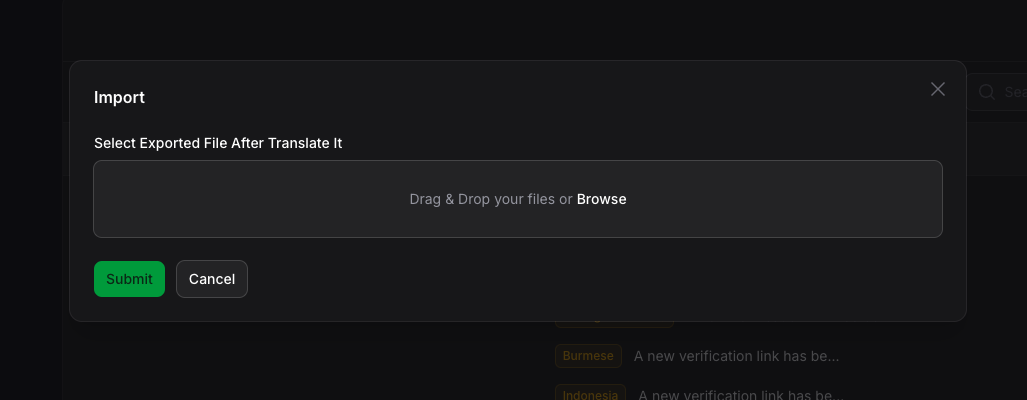
The import class is based on the Laravel Excel package. You can check the documentation here. This import will automatically run when you click on the "Import" button in the UI.
Custom Excel Export
You can create your own Excel export to export the translations in your own format, add your custom export class to the config file like this:
'path_to_custom_excel_export' => CustomTranslationExport::class,
The export class is based on the Laravel Excel package. You can check the documentation here. This import will automatically run when you click on the "Export" button in the UI.
Show or hide buttons in the UI
You can show or hide the buttons in the UI by changing the config file. By default, all buttons are shown.
'show_import_button' => true,
'show_export_button' => false,
'show_scan_button' => false ,
Custom Resource Nav Label & Group
you can custom your resource nav from config file
    'navigation_group' => 'Settings',
    'navigation_icon' => 'heroicon-m-language',
Custom Resource
You can create your own resource to show the translations in the UI, add your custom resource class to the config file like this:
'translation_resource' => CustomResource::class,
This is especially useful when you want to have complete control over the UI but still want to use the translations package. Think about implementing a check on user roles when using shouldRegisterNavigation in your custom resource.
Translation Translations Resource Hooks
we have add a lot of hooks to make it easy to attach actions, columns, filters, etc
Table Columns
use TomatoPHP\FilamentTranslations\Filament\Resources\Translations\Table\TranslationTable;

public function boot()
{
    TranslationTable::register([
        \Filament\Tables\Columns\TextColumn::make('something')
    ]);
}
Table Actions
use TomatoPHP\FilamentTranslations\Filament\Resources\Translations\Table\TranslationActions;

public function boot()
{
    TranslationActions::register([
        \Filament\Tables\Actions\ReplicateAction::make()
    ]);
}
Table Filters
use TomatoPHP\FilamentTranslations\Filament\Resources\Translations\Table\TranslationFilters;

public function boot()
{
    TranslationFilters::register([
        \Filament\Tables\Filters\SelectFilter::make('something')
    ]);
}
Table Bulk Actions
use TomatoPHP\FilamentTranslations\Filament\Resources\Translations\Table\TranslationBulkActions;

public function boot()
{
    TranslationBulkActions::register([
        \Filament\Tables\BulkActions\DeleteAction::make()
    ]);
}
From Components
use TomatoPHP\FilamentTranslations\Filament\Resources\Translations\Form\TranslationForm;

public function boot()
{
    TranslationForm::register([
        \Filament\Forms\Components\TextInput::make('something')
    ]);
}
Page Actions
use TomatoPHP\FilamentTranslations\Filament\Resources\Translations\Pages\ManageTranslation;
use TomatoPHP\FilamentTranslations\Facade\FilamentTranslations;

public function boot()
{
    FilamentTranslations::register(Action::make(), ManageTranslation::class)
}
Publish Assets
You can publish views file by use this command:
php artisan vendor:publish --tag="filament-translations-views"
You can publish languages file by use this command:
php artisan vendor:publish --tag="filament-translations-lang"
You can publish migrations file by use this command:
php artisan vendor:publish --tag="filament-translations-migrations"
Testing
if you like to run PEST testing just use this command
composer test
Code Style
if you like to fix the code style just use this command
composer format
PHPStan
if you like to check the code by PHPStan just use this command
composer analyse
Other Filament Packages
Checkout our Awesome TomatoPHP
How can I help you explore Laravel packages today?