
Bauhaus Laravel Package
krafthaus/bauhaus
Bauhaus is a Laravel 4 admin generator for building clean admin interfaces with model-driven lists, forms, filters, scoping, and exporting. Includes asset/config publishing, multilingual UI, and integrates with Intervention Image for media handling.
Bauhaus - The missing Laravel 4 Admin Generator




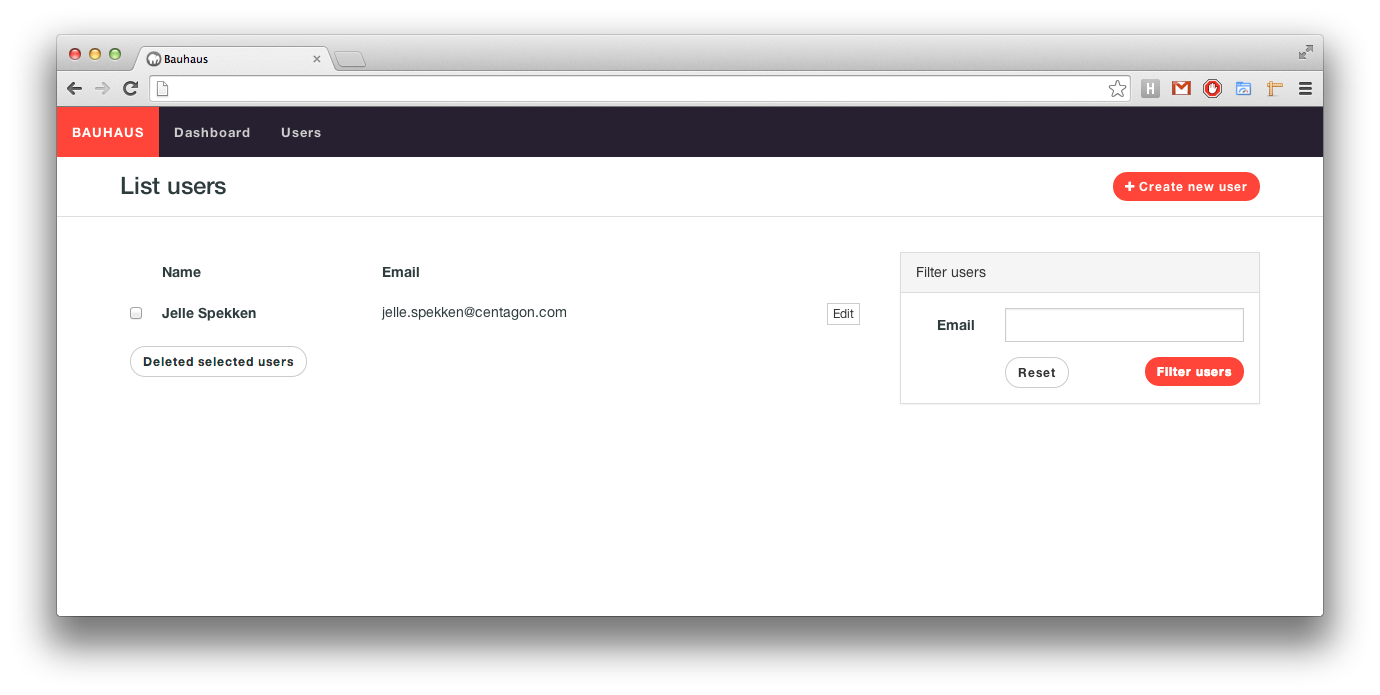
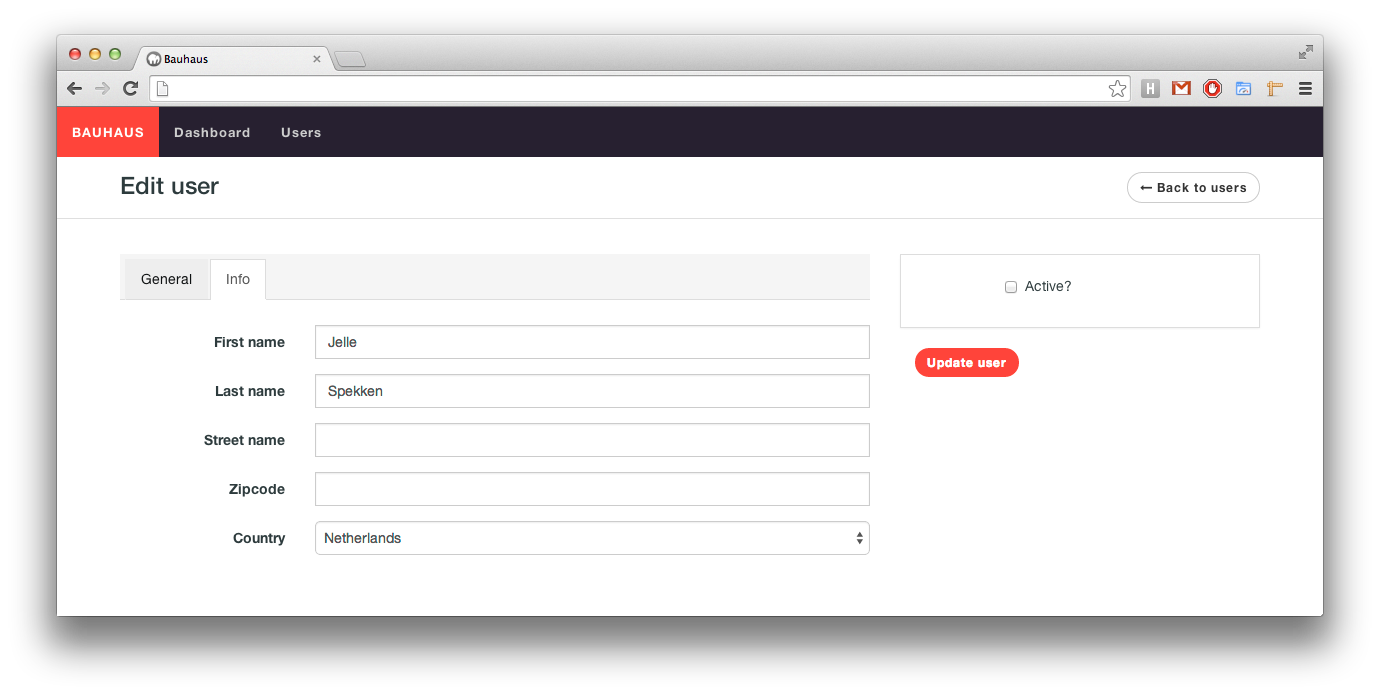
Bauhaus is an admin generator / builder / interface for Laravel with scoping, exporting and filtering functionality. With Bauhaus you can easily create visual stunning lists, forms and filters for your models.
Use Bauhaus if you want:
- Create list and forms easily tightly coupled on your models
- A nice and clean admin interface
- and much, much more
Bauhaus is currently available in the following languages:
- English
- Brazilian (Thanks willmkt)
- Dutch
Warning: Right now, Bauhaus is a moving target. Every day new changes will be pushed possibly breaking the design and/or inner workings. If you're having trouble running this package, please consider running the
php artisan asset:publish krafthaus/bauhausand/or thephp artisan config:publish krafthaus/bauhauscommand. Thank you!
Documentation is located here.
Installation
Add bauhaus to your composer.json file:
"require": {
	"krafthaus/bauhaus": "dev-master"
}
Use composer to install this package.
$ composer update
Registering the package
'providers' => array(
	// ...
	'KraftHaus\Bauhaus\BauhausServiceProvider',
	'Intervention\Image\ImageServiceProvider',
)
Add the admin folder to the app/ directory and put the following line in your composer.json file:
"autoload": {
	"classmap": [
		"app/admin"
	]
},
Then publish the config file with php artisan config:publish krafthaus/bauhaus.
This will add the main bauhaus config file in your application config directory.
And last but not least you need to publish to package's assets with the php artisan asset:publish krafthaus/bauhaus command.
Creating your first Bauhaus model
To build your first (and most exciting) admin controller you'll have to follow the following easy steps:
Run $ php artisan bauhaus:scaffold --model=name where name is the name of the model you want to use.
This will create 3 files:
- A new (empty) model in
app/models/YourModelName. - A new migration in the
app/database/migrationsdirectory. - And ofcourse a Baushaus model file in
app/admin.
Support
Have a bug? Please create an issue here on GitHub that conforms with necolas's guidelines.
License
This package is available under the MIT license.
How can I help you explore Laravel packages today?