Horus Laravel Package
hans-thomas/horus
Horus streamlines roles and permissions in Laravel with Spatie Laravel Permission integration. Batch-create roles/permissions, generate model permissions from policies, and assign permissions to roles quickly. Works with Laravel 10–12 and is supported by Sphinx.
Hugo Whisper Theme
Whisper is a minimal documentation theme built for Hugo. The design and functionality is intentionally minimal.
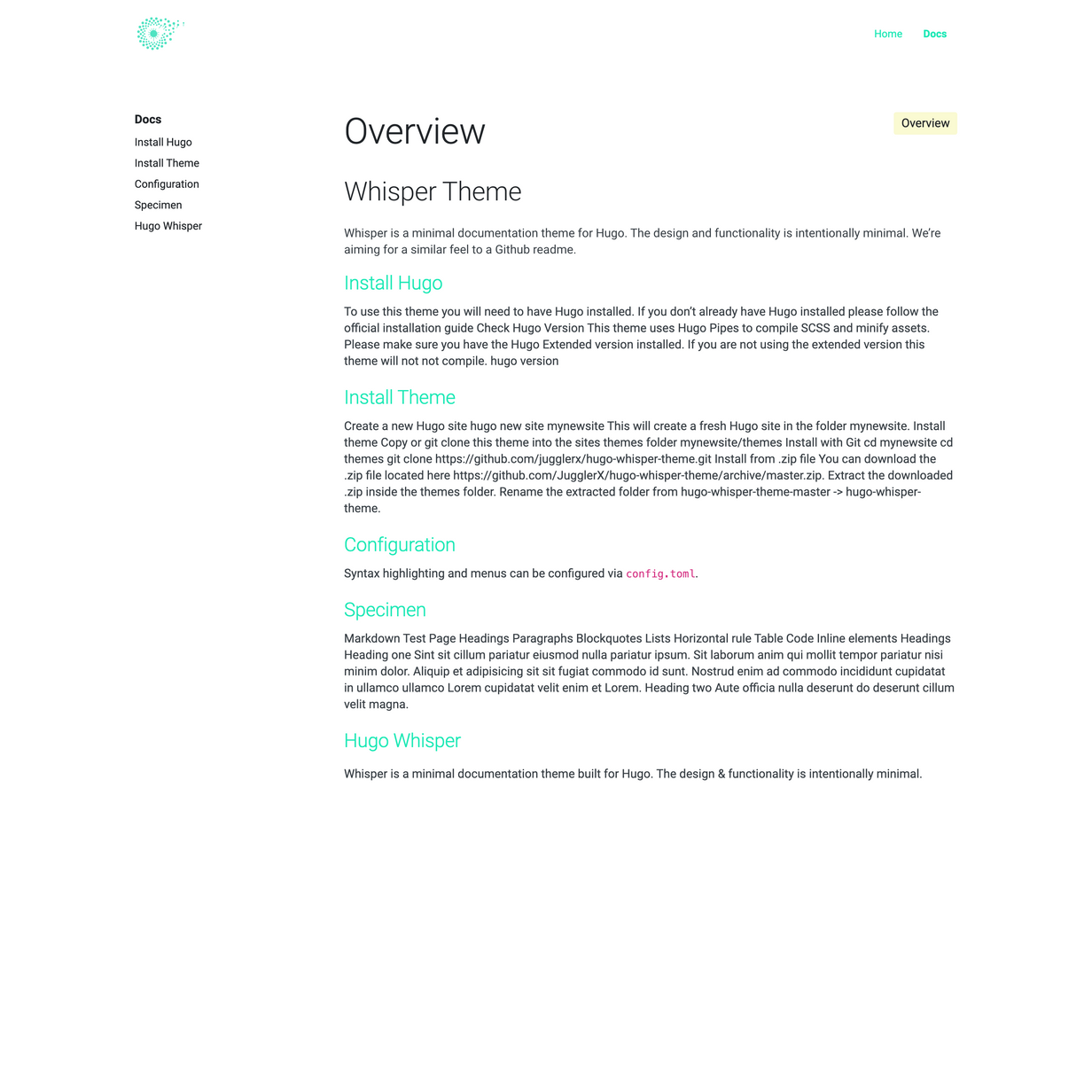
Theme features
Content Types
- Docs (Markdown)
- Homepage
Content Management
- This theme generates documentation from markdown files located in
content/docs - The "Home" page is not documentation, it can be used to introduce your project etc.
SCSS
- SCSS (Hugo Pipelines)
- Responsive design
- Bootstrap 5.3
Speed
- 100/100 Google Lighthouse speed score
- 21KB without images ⚡
- Vanilla JS only
Menu
- Responsive mobile menu managed in
config.toml
Installation
1. Install Hugo
To use this theme you will first need to have Hugo installed. Please follow the official installation guide
⚠️ Note: Check your Hugo version - Hugo Extended is required!
This theme uses Hugo Pipes to compile SCSS and minify assets which means if you not using the Hugo extended version this theme will not work. To check your version of Hugo, run hugo version. Make sure you see /extended after the version number, for example Hugo Static Site Generator v0.51/extended darwin/amd64 BuildDate: unknown You do not need to use version v0.51 specifically, it just needs to have the /extended part.
2. Create a new Hugo site
This will create a fresh Hugo site in the folder mynewsite.
hugo new site mynewsite
3. Install the theme
Download or git clone this theme into the sites themes folder mynewsite/themes. You should end up with the following folder structure mynewsite/themes/hugo-whisper-theme
cd mynewsite
git clone https://github.com/zerostaticthemes/hugo-whisper-theme.git themes/hugo-whisper-theme
4. Copy the example content
Copy the entire contents of the mynewsite/themes/hugo-whisper-theme/exampleSite/ folder to root folder of your Hugo site, ie mynewsite/. To copy the files using terminal, make sure you are still in the projects root, ie the mynewsite folder.
cp -a themes/hugo-whisper-theme/exampleSite/. .
6. Run Hugo
After installing the theme for the first time, generate the Hugo site.
You run this command from the root folder of your Hugo site ie mynewsite/
hugo
For local development run Hugo's built-in local server.
hugo server
Now enter localhost:1313 in the address bar of your browser.
Deploying to Netlify

This theme includes a netlify.toml which is configured to deploy to Netlify from the exampleSite folder. If you have installed this theme into a new Hugo site and the exampleSite folder was copied or removed, you should delete the netlify.toml file.
Credits
More Hugo Themes by Zerostatic
- Hugo Hero - Open-source business theme
- Hugo Whisper - Open-source documentation theme
- Hugo Serif - Open-source business theme
- Hugo Winston - Open-source blog theme
- Hugo Advance - Premium advanced multi page business & marketing theme
- Hugo Paradigm - Premium landing page + site builder theme
- Hugo Lever - Premium personal / bio theme
- Hugo Shard - Premium SAAS / landing page theme
Find hundreds more Hugo themes on Built At Lightspeed
How can I help you explore Laravel packages today?