
Filament Types Laravel Package
tomatophp/filament-types
Filament Types Manager lets you define and manage reusable “types” in your Laravel app database. Includes a ready-to-use Filament resource with filtering, icons, colors, and labels, plus a simple plugin config to register type groups for your models.
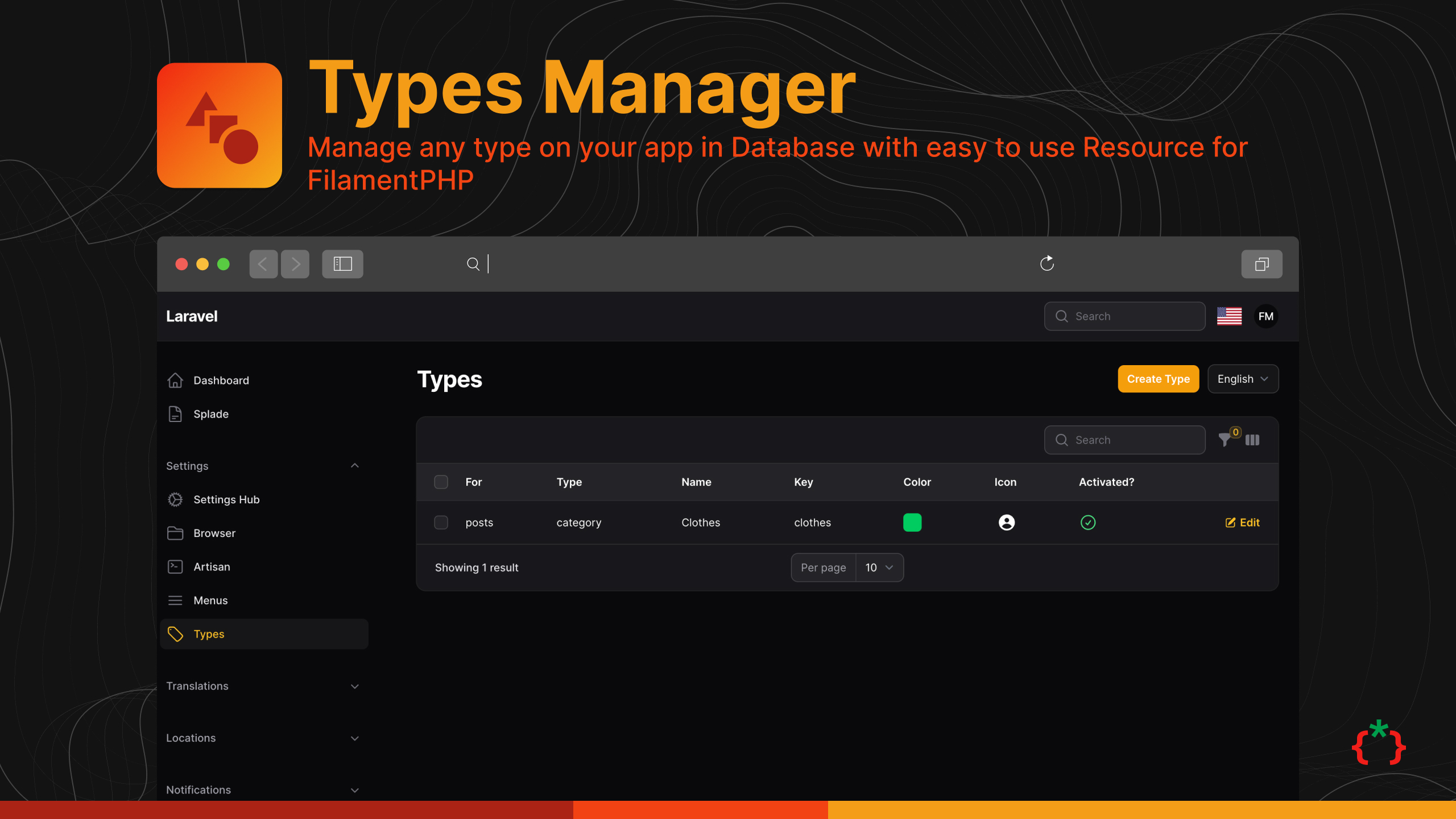
Filament Types Manager



Manage any type on your app in Database with easy to use Resource for FilamentPHP
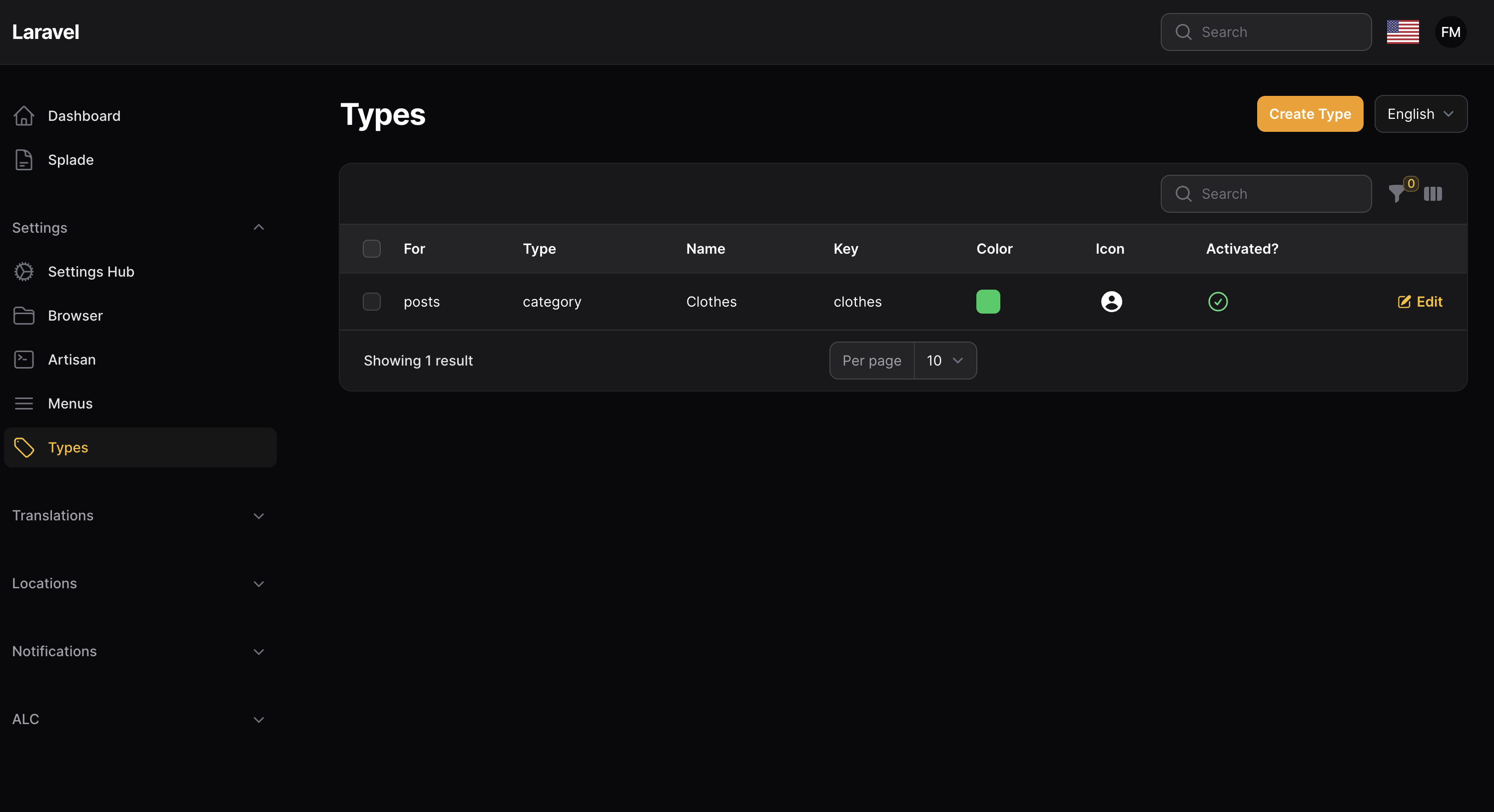
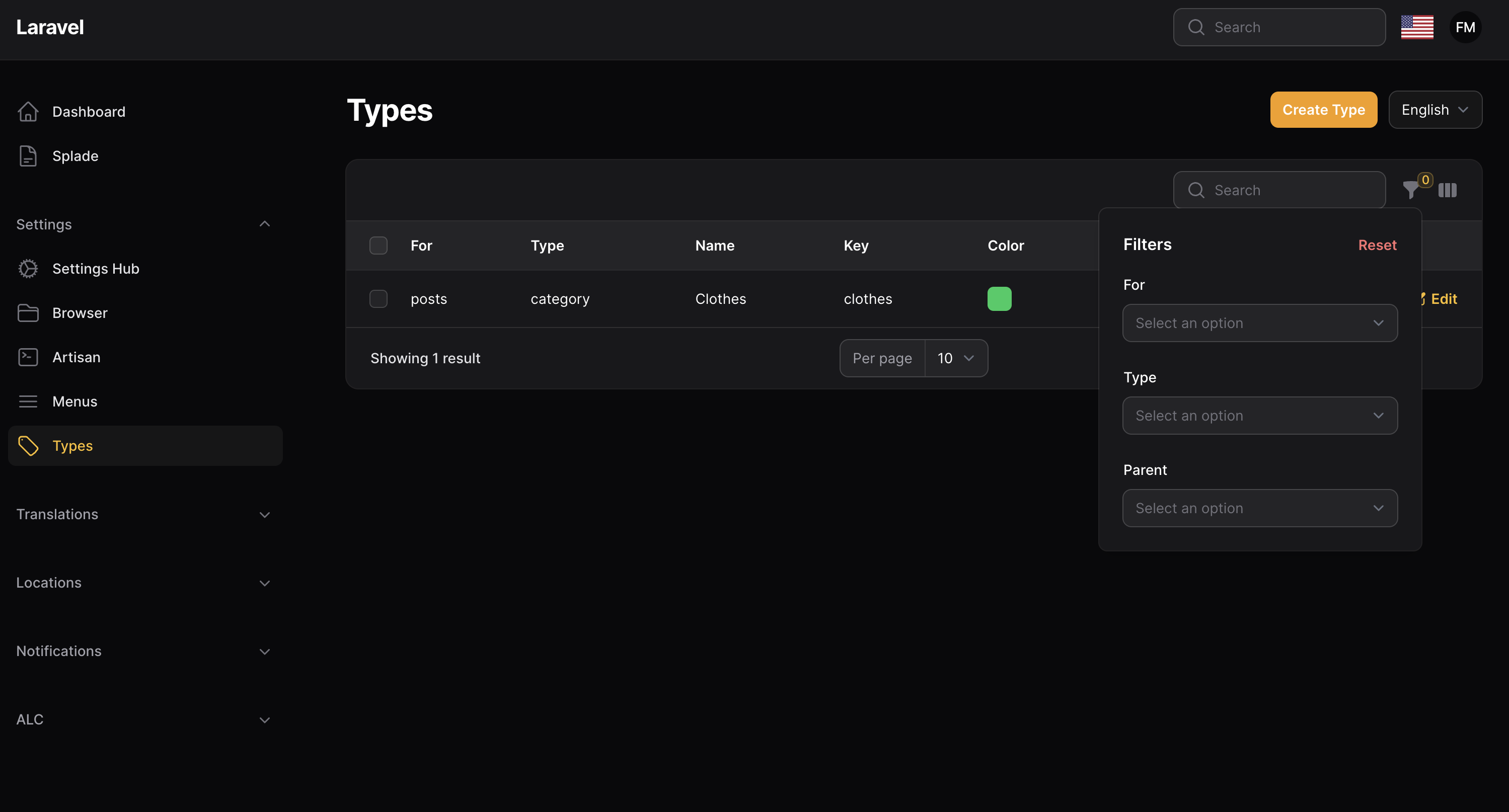
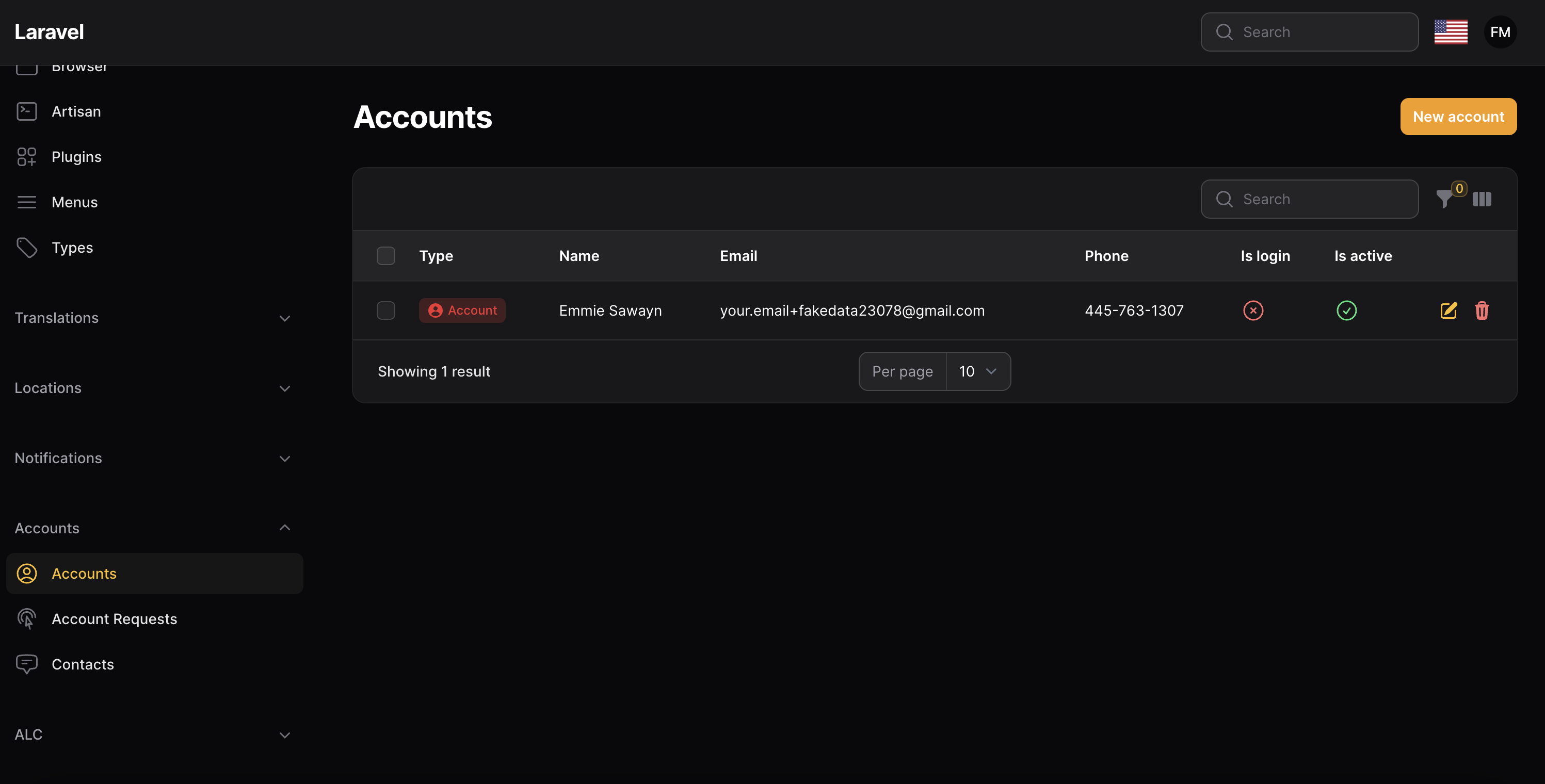
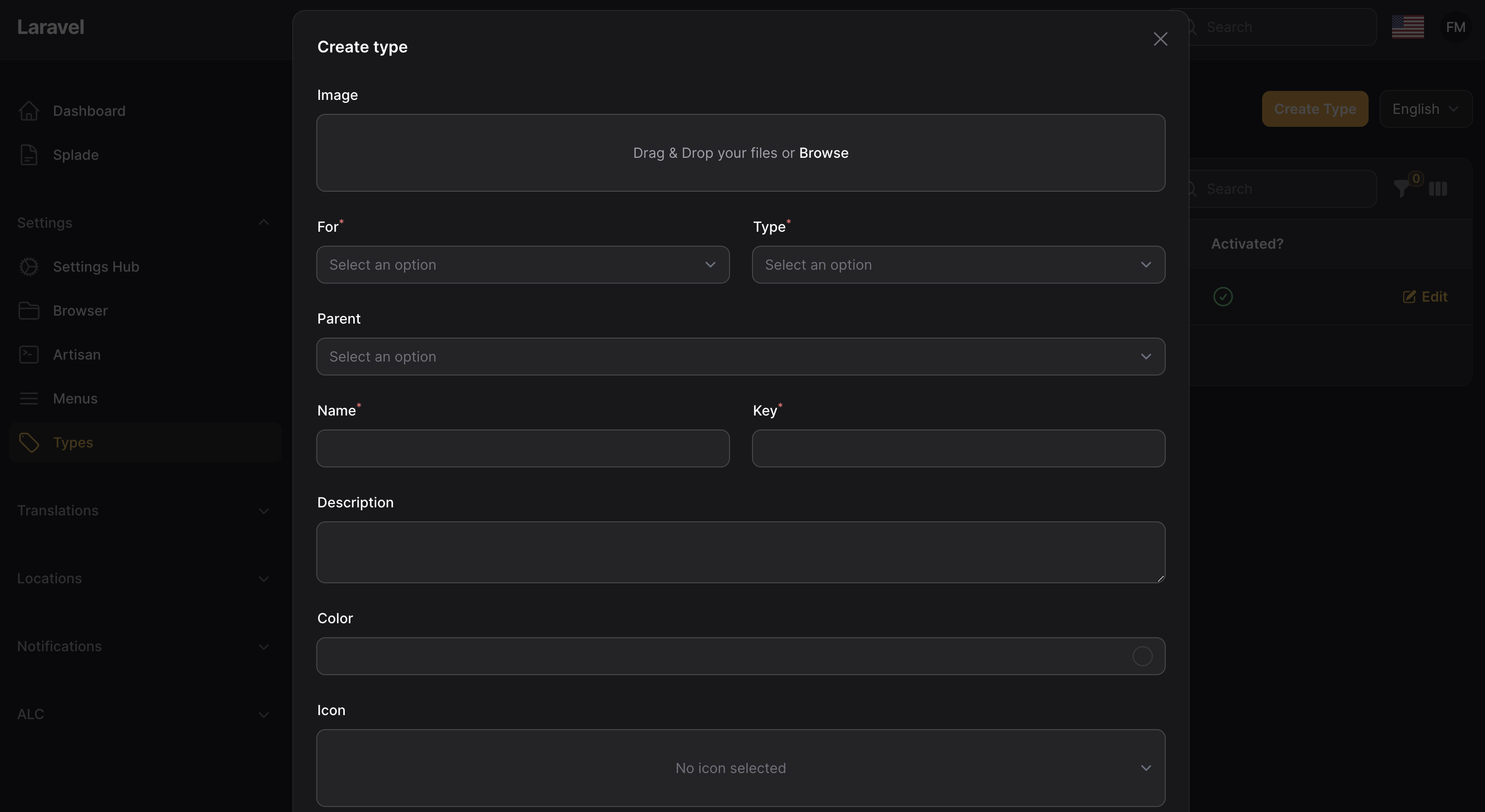
Screenshots
Installation
composer require tomatophp/filament-types
after install your package please run this command
php artisan filament-types:install
finally register the plugin on /app/Providers/Filament/AdminPanelProvider.php
use TomatoPHP\FilamentTypes\Services\Contracts\Type;
use TomatoPHP\FilamentTypes\Services\Contracts\TypeFor;
use TomatoPHP\FilamentTypes\Services\Contracts\TypeOf;

->plugin(\TomatoPHP\FilamentTypes\FilamentTypesPlugin::make())
    ->types([
        TypeFor::make('posts')
            ->label('Posts')
            ->types([
                TypeOf::make('categories')
                    ->label('Categories')
                    ->register([
                        Type::make('news')
                            ->name('News')
                            ->icon('heroicon-o-newspaper')
                            ->color('#fefefe')
                    ])
            ])
    ])
Register Type using provider
you can register a type from your provider using our Facade
use TomatoPHP\FilamentTypes\Facades\FilamentTypes;
use TomatoPHP\FilamentTypes\Services\Contracts\Type;
use TomatoPHP\FilamentTypes\Services\Contracts\TypeFor;
use TomatoPHP\FilamentTypes\Services\Contracts\TypeOf;

FilamentTypes::register([
    TypeFor::make('products')
        ->label('Product')
        ->types([
            TypeOf::make('sizes')
                ->label('Sizes')
                ->register([
                    Type::make('xl')
                        ->name('XL')
                        ->icon('heroicon-o-adjustments-horizontal')
                        ->color('warning'),
                    Type::make('sm')
                        ->name('SM')
                        ->icon('heroicon-o-adjustments-horizontal')
                        ->color('warning')
                ])
        ]),
]);
Config Locales
You can change the locals within the filament-types config.
- Publish the config file/
- Modify the
localsarray to include the two character language code that applys to the language you wish to offer. EG:
'locals' = ['en'],
Use Type Helper
you can find any type with the helper method to use it anywhere
type_of(
    key: 'pending',
    for: 'notes',
    type: 'groups'
);
it will return type model for you.
Use Type Column
you can use type column in your table like this
use TomatoPHP\FilamentTypes\Components\TypeColumn;

TypeColumn::make('type')
    ->for('users')
    ->type('status')
    ->allowDescription()
    ->searchable(),
Auto Caching
on your .env add this
CACHE_STORE=array
MODEL_CACHE_STORE=array
supported cache stores are
+ Redis
+ MemCached
+ APC
+ Array
Use Type Base Page
you can create a page for selected type by just extand base type page
use TomatoPHP\FilamentTypes\Pages\BaseTypePage;

use TomatoPHP\FilamentTypes\Services\Contracts\Type;

class NotesGroups extends BaseTypePage
{
     public function getTitle(): string
    {
        return "Notes Groups";
    }

    public function getType(): string
    {
        return "groups";
    }

    public function getFor(): string
    {
        return "notes";
    }

    public function getBackUrl()
    {
        return ManageNotes::getUrl(); // TODO: Change the autogenerated stub
    }

    public function getTypes(): array
    {
        return [
            Type::make('todo')
                ->name("TODO")
                ->color('#1461e3')
                ->icon('heroicon-o-list-bullet'),
            Type::make('ideas')
                ->name("Ideas")
                ->color('#13e0da')
                ->icon('heroicon-o-sparkles'),
            Type::make('saved')
                ->name("Saved")
                ->color('#29a82e')
                ->icon('heroicon-o-arrow-down-on-square'),
        ];
    }
}
it will be not appear on the navigation menu by default but you can change that by just use this method
public static function shouldRegisterNavigation(): bool
{
    return true;
}
Use Type Component
if you like to use a type as a package we create a blade component for you to make it easy to use anywhere on your app like this
<x-tomato-type :type="$type" label="Group" />
User Types Resource Hooks
we have add a lot of hooks to make it easy to attach actions, columns, filters, etc
Table Columns
use TomatoPHP\FilamentTypes\Filament\Resources\TypeResource\Table\TypeTable;

public function boot()
{
    TypeTable::register([
        \Filament\Tables\Columns\TextColumn::make('something')
    ]);
}
Table Actions
use TomatoPHP\FilamentTypes\Filament\Resources\TypeResource\Table\TypeActions;

public function boot()
{
    TypeActions::register([
        \Filament\Tables\Actions\ReplicateAction::make()
    ]);
}
Table Filters
use TomatoPHP\FilamentTypes\Filament\Resources\TypeResource\Table\TypeFilters;

public function boot()
{
    TypeFilters::register([
        \Filament\Tables\Filters\SelectFilter::make('something')
    ]);
}
Table Bulk Actions
use TomatoPHP\FilamentTypes\Filament\Resources\TypeResource\Table\TypeBulkActions;

public function boot()
{
    TypeBulkActions::register([
        \Filament\Tables\BulkActions\DeleteAction::make()
    ]);
}
From Components
use TomatoPHP\FilamentTypes\Filament\Resources\TypeResource\Form\TypeForm;

public function boot()
{
    TypeForm::register([
        \Filament\Forms\Components\TextInput::make('something')
    ]);
}
Page Actions
use TomatoPHP\FilamentTypes\Filament\Resources\TypeResource\Actions\ManagePageActions;

public function boot()
{
    ManagePageActions::register([
        Filament\Actions\Action::make('action')
    ]);

}
Publish Assets
you can publish config file by use this command
php artisan vendor:publish --tag="filament-types-config"
you can publish views file by use this command
php artisan vendor:publish --tag="filament-types-views"
you can publish languages file by use this command
php artisan vendor:publish --tag="filament-types-lang"
you can publish migrations file by use this command
php artisan vendor:publish --tag="filament-types-migrations"
Testing
if you like to run PEST testing just use this command
composer test
Code Style
if you like to fix the code style just use this command
composer format
PHPStan
if you like to check the code by PHPStan just use this command
composer analyse
Other Filament Packages
Checkout our Awesome TomatoPHP
How can I help you explore Laravel packages today?